

Have you ever opened your pill bottle and realized there are only two tablets left? It usually happens at the worst possible time, like right before a busy work trip. The old way of fixing this involved endless phone calls and waiting for a doctor to call you back.
However, digital refills have completely changed the situation. You can now manage your health from your phone, but the process works smoothly only if you have your data ready. If you don’t have your information ready, your request might get delayed.
This guide will walk you through a complete online prescription refill checklist so you can secure your medicines without the typical stress.
Your Complete Online Prescription Refill Checklist
Accuracy is the most important part of a digital request. A single typo in a drug name or a missing insurance digit can cause the rejection of your refill request. Use this refill meds online checklist to get your paperwork in order before you open a single website.
1. Your Prescription Information
The most vital piece of data is on your current bottle. Locate the “Rx Number,” which is the unique code the pharmacy uses to track your specific fill. You also need the exact medication name and dosage, such as 20mg or 100 mcg.
Make sure you know the name of the doctor who wrote the original script. Sometimes, the app will ask for the specific pharmacy location as well. So, keep the store’s street name or phone number on a sticky note; it will help speed things up.
2. Personal Documents You’ll Need
Even in a virtual setting, you have to prove your identity. Have a valid photo ID, like a driver’s license, sitting on your desk. Most secure health platforms require a quick photo of this card to prevent fraud and protect your records.
If you are not paying cash, keep your insurance card nearby, too. You must provide the Member ID and the Group Number. If you pay a copay, have your credit card or HSA card ready so the pharmacy can authorize the payment immediately.
3. Account & Login Details
Passwords are easy to forget when you only use them once a month. Test your pharmacy login before you get deep into the request. Many apps now use twofactor authentication, so keep your phone nearby to catch that text code.
4. Medical Information to Have Ready
Pharmacists are legally required to check for drug interactions. So, keep a list of any vitamins or supplements you started recently. You should also be ready to mention any allergies to dyes or preservatives if the system prompts you for a health update.
5. Check These Before Requesting
Look at your label for a refill remaining check before you hit submit. If the bottle says “0” refills, the pharmacy cannot simply give you more medicine. They will have to contact your provider for a new authorization, which can take a few days.
Also, make sure to check the following before submitting your request:
- Verify that your prescription has not expired yet.
- Confirm the pharmacy store hours for the day you plan to pick up.
- Start this process at least four days before your last pill is gone.
Step by Step: How to Refill Your Prescription Online
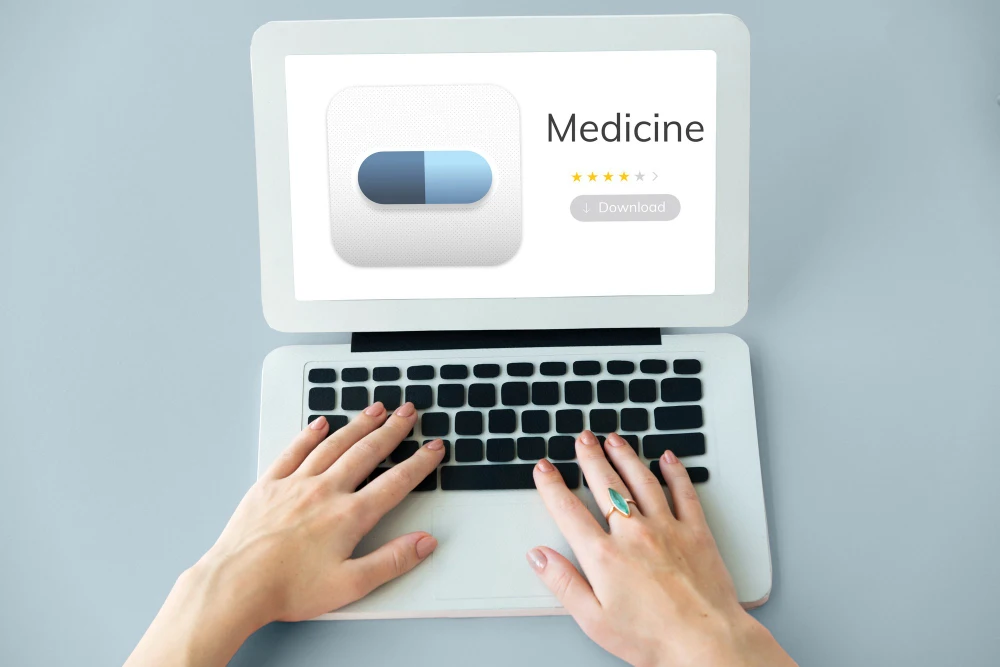
Once your materials are gathered, the actual work is simple. Follow these prescription refill online instructions to navigate the digital portal successfully.
Step 1: Choose Your Refill Method
First of all, decide how you want to request the medicines. You can use:
- A bigchain app
- A hospital portal
- A thirdparty telehealth site
Step 2: Log In and Locate Your Prescription
Once you choose your refill method, enter your credentials and find the “My Meds” or “Pharmacy” section. Look for the specific medication you need and check that the Rx number matches your bottle. If the medication is missing, you can usually add it manually using the search tool.
Step 3: Submit Your Refill Request
After that, follow the refill prescription online steps by selecting your preferred supply. You can choose between a 30day fill or a 90day fill. Now, decide whether you’ll drive over for a pickup or have it mailed to your door. If you choose mail, doublecheck your zip code.
Step 4: Wait for Approval & Notification
Finally, the app will usually ping you twice. Once to say they got the request, and again when the pharmacist has it in the bag. If there is a delay, the pharmacist will usually reach out via a secure message or a quick phone call.
Quick Checklist Before You Refill Online
Before you submit your refill request, take a moment to review this quick checklist.
Before You Start
- Check how many pills you have left
- Start at least 4 days before your medication runs out
- Confirm your prescription has not expired
Prescription Details
- Rx number from the bottle
- Exact medication name
- Correct dosage (e.g., 20 mg, 100 mcg)
- Prescribing doctor’s name
- Pharmacy name and location
Personal & Payment Information
- Valid photo ID
- Insurance card (Member ID and Group Number), if applicable
- Payment method (credit card or HSA card), if paying a copay
Account Access
- Pharmacy or portal login details
- Phone nearby for twofactor authentication
Medical Information
- List of current medications, vitamins, or supplements
- Known allergies (including dyes or preservatives)
Final Checks
- Confirm refill count is not “0”
- Verify pharmacy store hours
- Doublecheck the delivery address or pickup location
Conclusion
When you keep your prescription details and documents ready, refilling your medication becomes quick and stressfree. A few minutes of planning can help you stay consistent with your treatment and avoid lastminute problems.
Sometimes, even with good planning, you run out of refills, and your doctor is unavailable. In those moments,Simple Consult can help. We offer a lowcost virtual visit for prescription refills and common health concerns.
The service is fully online and does not require any insurance. Licensed providers can send your prescription to the pharmacy the same day. If you need a refill sooner than expected, Simple Consult makes it easy to get care without delays.












Add comment